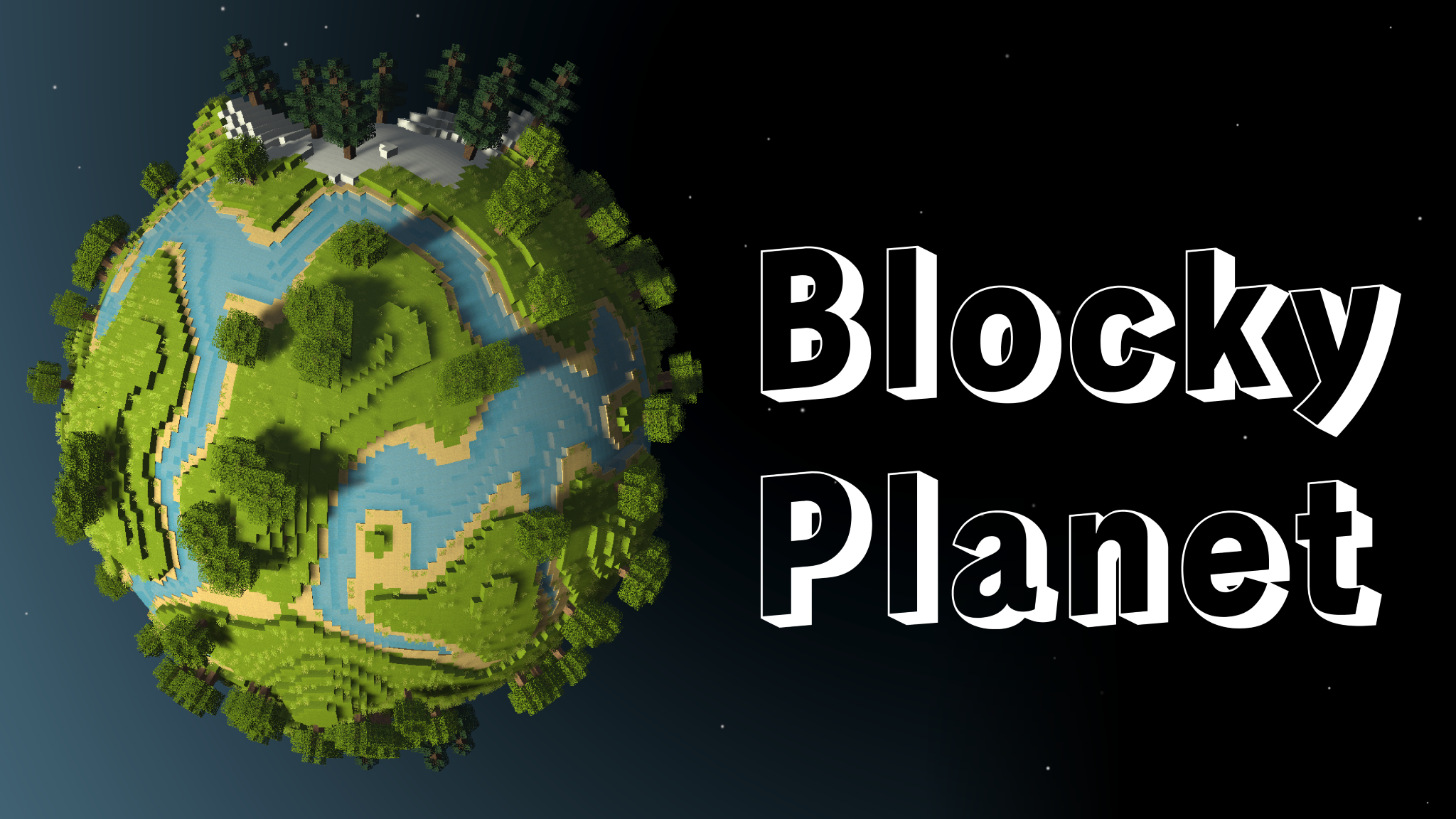
Blocky Planet
Important Note: This demo is optimized to run natively on Windows. So while there is a playable web build (shown above), it will likely have some rendering/control issues. You've been warned!
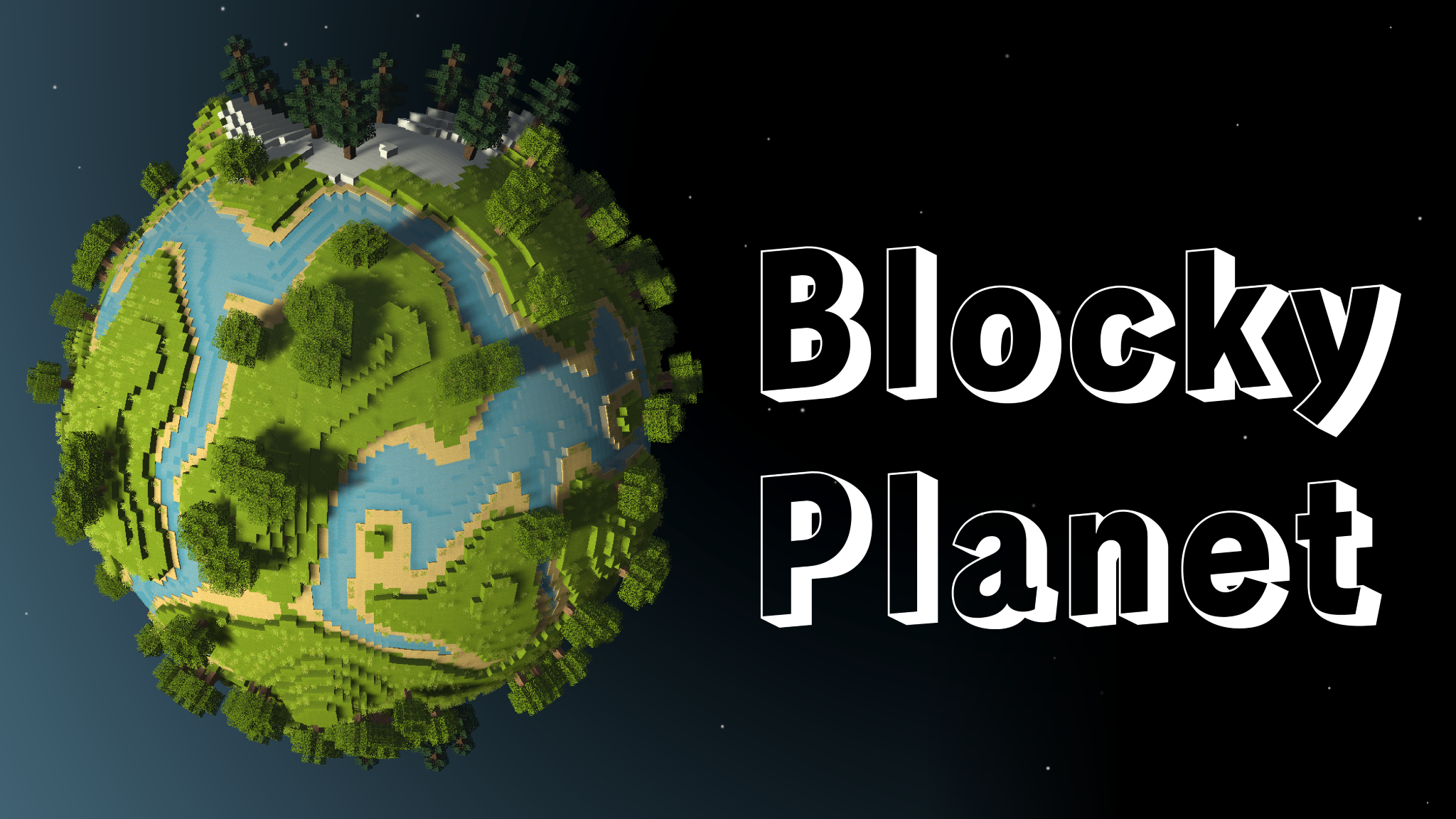
This tech demo tries to combine the sandbox creativity of Minecraft with the miniature planets of Outer Wilds. To learn more about this project and its implementation details, please see the corresponding blog post.
Build
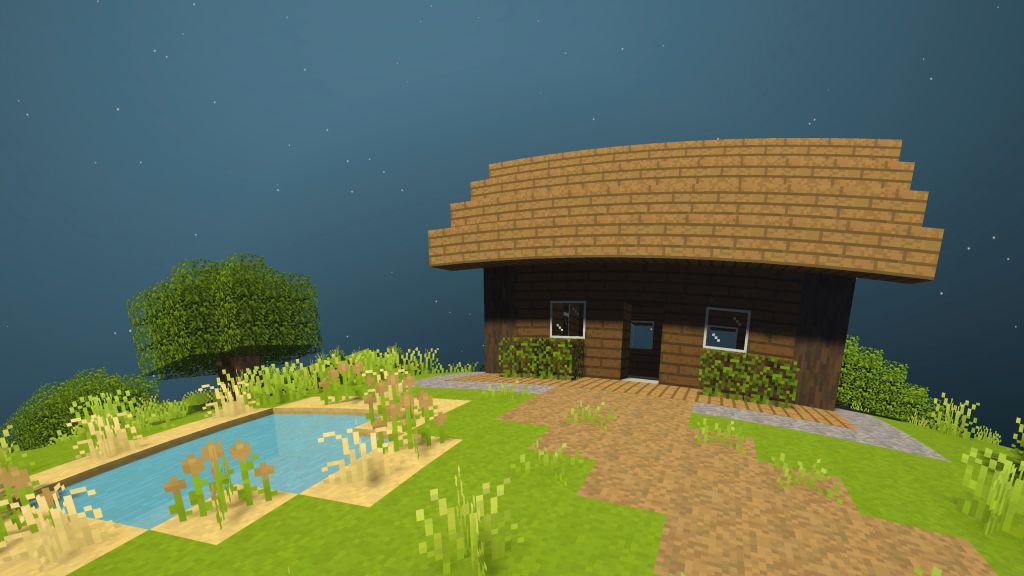
Build blocky structures both big and small from the current palette of 20+ block types.
Mine
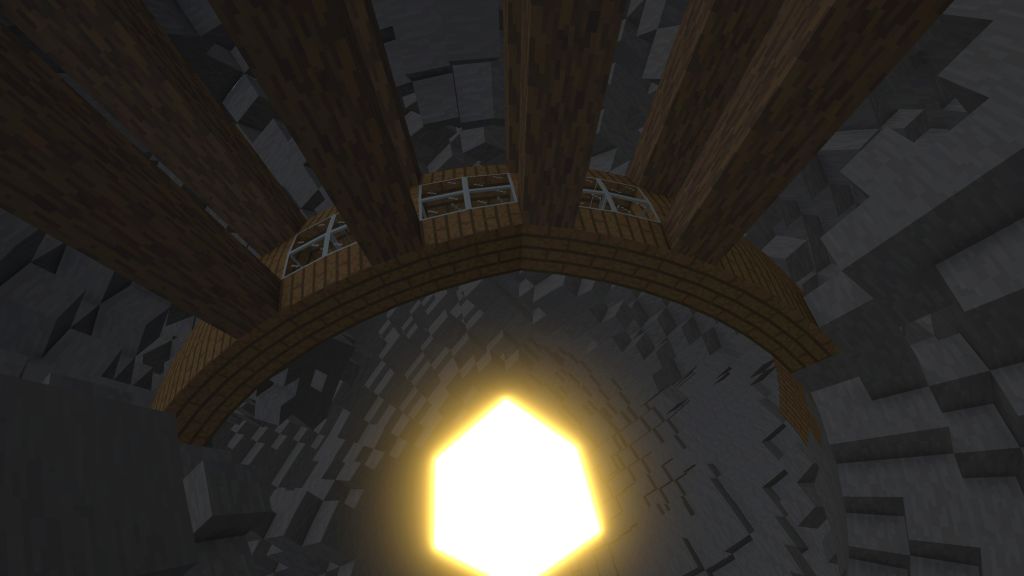
Go subterranean and mine your way to the planet's glowing core.
Annihilate
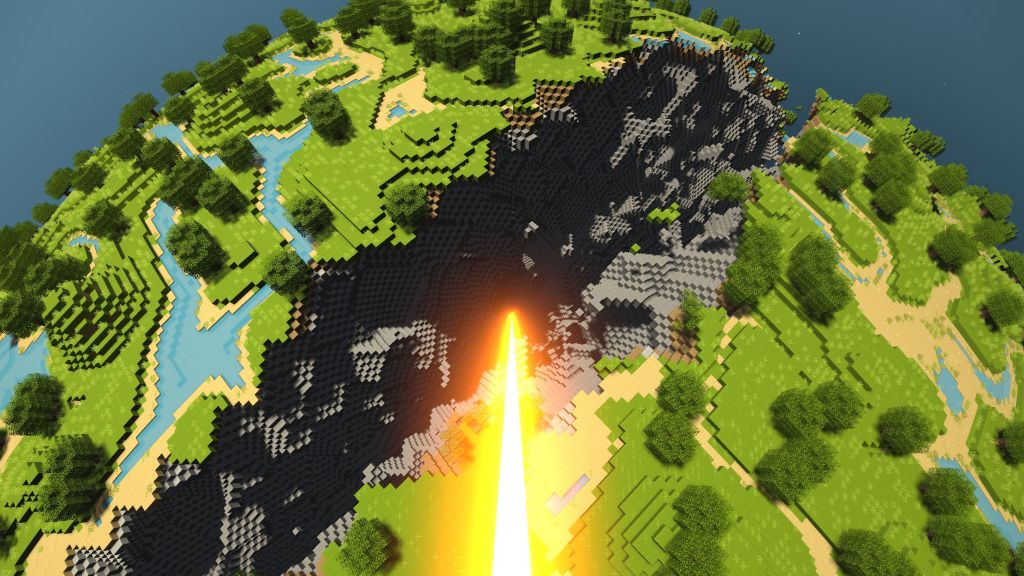
Take to the skies and shower the planet with orbital lasers from the heavens!
Watch a Demo
Known Issues
- Block faces are not drawn on specific chunk borders.
- Overlapping transparent blocks (ex. ice and water) can be rendered with incorrect depth.
- Player can clip into the terrain when placing blocks.
- Grass-like blocks can be placed in the air with no solid bottom block.
- Target block indicator (yellow corners) poorly fits blocks near planet center.
- Low frame rates decrease player's thruster lift force.
- Player can't move forwards when looking directly down.
- Gaps in the mesh between vertical shells (where block size resets).
- There is no audio (I haven't added any yet 😔).
Download
Comments
Log in with itch.io to leave a comment.
This is awesome! You inspired me to make my own quad sphere voxel planet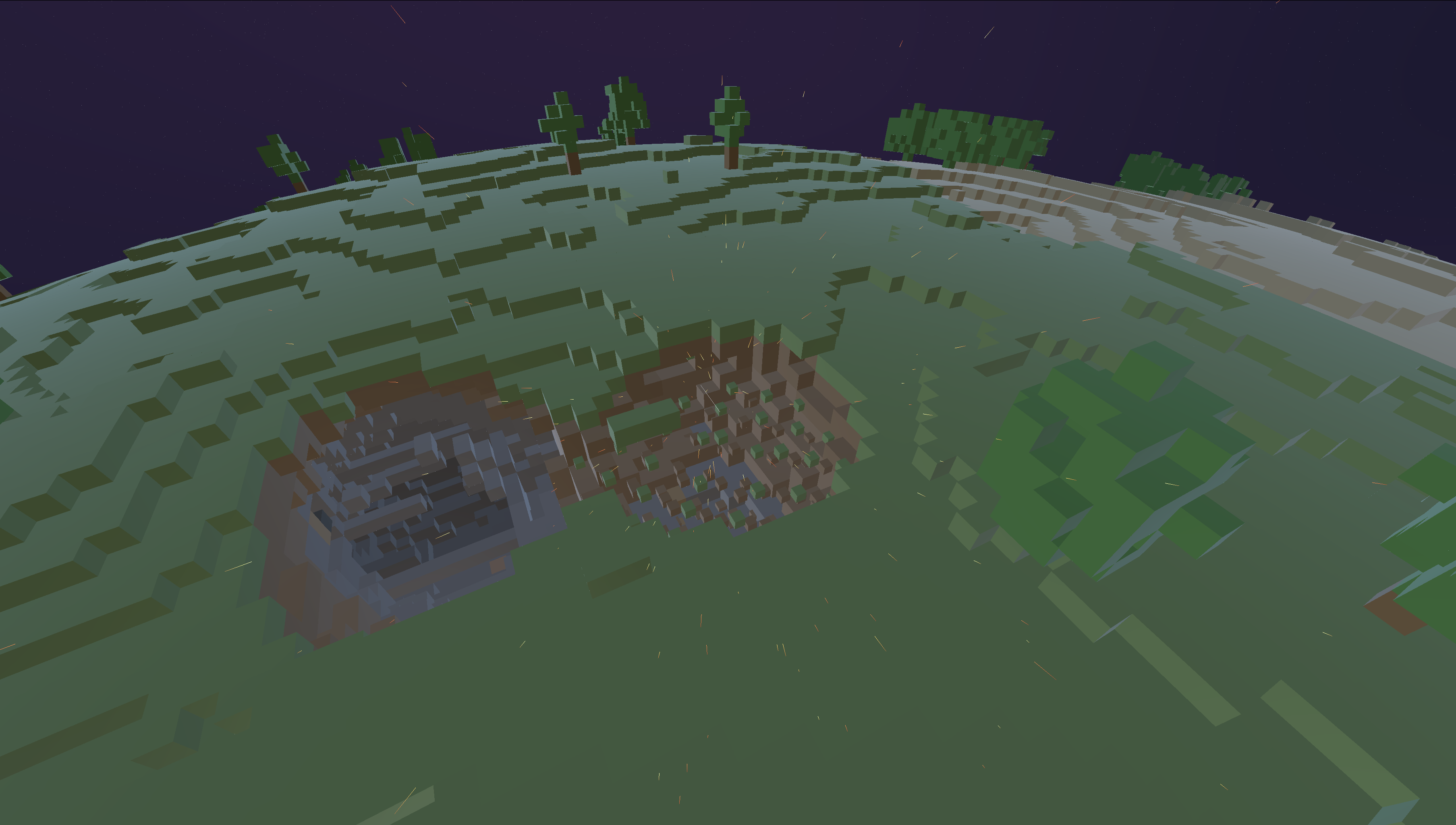 using Rust.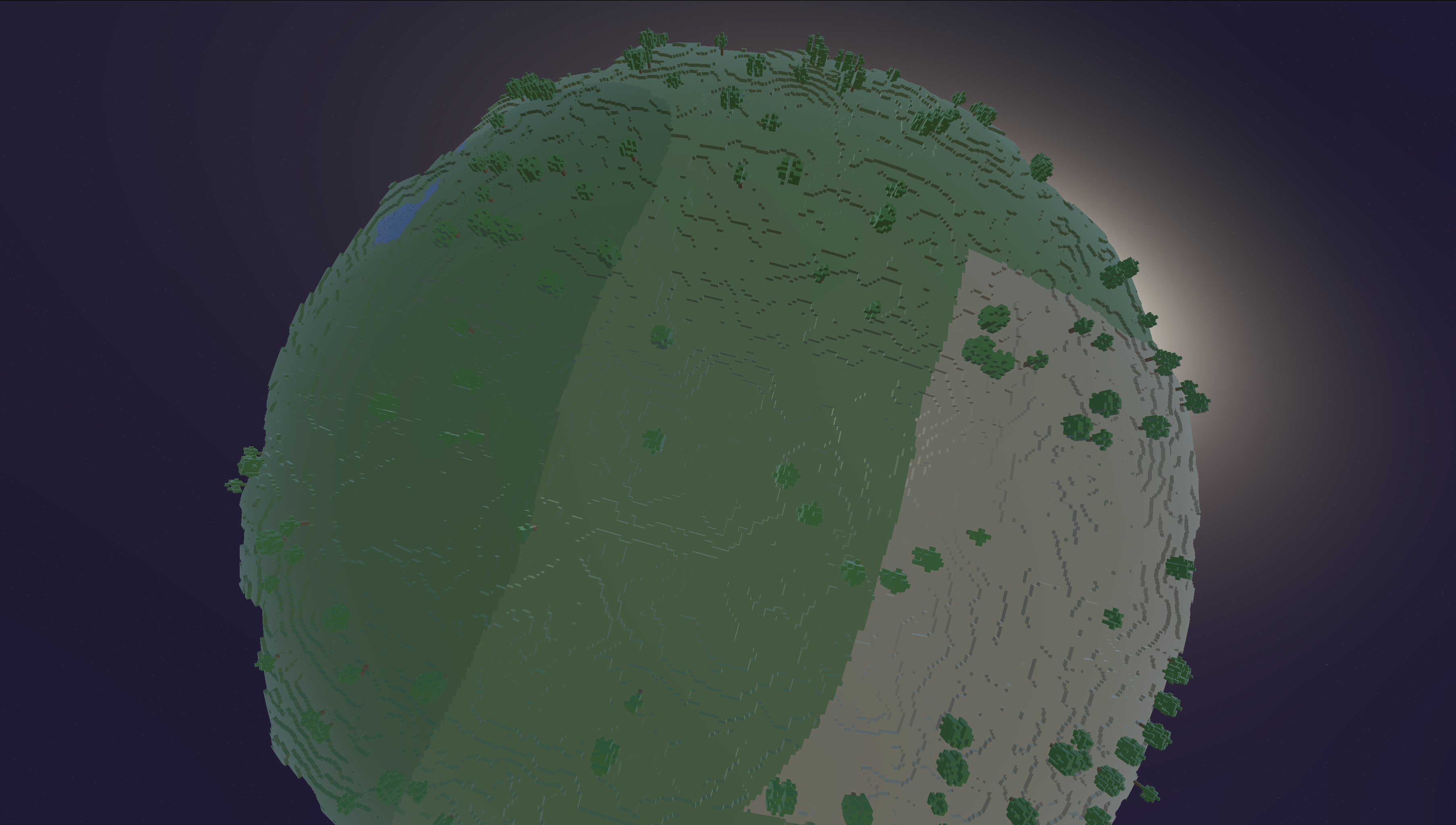
That's super impressive! Do you have any plans to release a playable build?
Thank you!! When I put it up on itch.io or steam I'll post the link here. I appreciate the interest :D
This is what it looks like if you destroy the entire planet and go into orbit.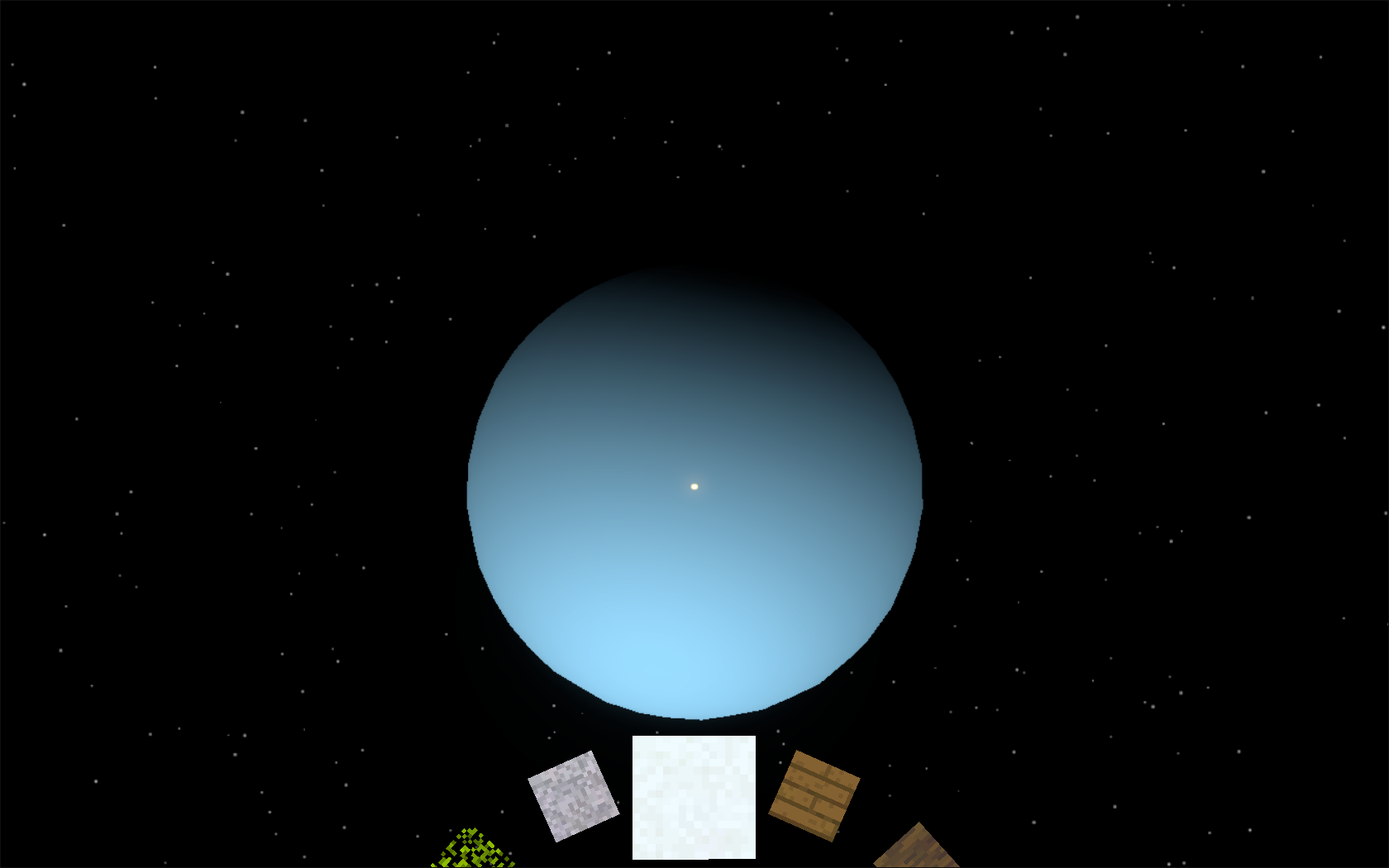
maybe saving the world? and it's annoying that the destruction lazer is on E. but it is a fun game! i like it!
entity's would be nice too, i just cant build things cause i'm used to click on E so i keep destroying my builds.
Fun way to kill a couple of hours while recovering from COVID. The limited set of blocks takes me way back to Minecraft Classic.
Wow, this is awesome! I really like how you made the chain and wooden support structure — looks much cooler than anything I've built.
Woooooooow!!
Nice! Two small controller suggestions: Make a toggle for Y-Axis inversion, and could jump be also on Num0 or RCtrl? That’d be good for left-hand players.
You can add to the list of bugs that 3d connection mouse makes player go left all the time, had to kill the 3d service to make it work.
Overall, nice idea, keep adding stuff there so it feels more like a game!
This is SO COOL!!! I had so much fun orbiting around the planet ("oh damn, I'm actually going to fall past the planet") and lasering destruction everywhere. Then lasering to the center of the planet. Nice blog post too with rather funny comics.
Wishing for an open source/free software version so fans can build upon it/fix it up for Web/Mac/Linux!
This is insanely cool! How did you get the voxels to line up with the spherical planet shape so well?
I have a blog post that goes into the details, but the main idea is to use a quad sphere to project a square grid (or rather six identical square grids) onto the spherical planet surface.
Okay, ty!